Find any caravan appliance manual by snapping its nameplate
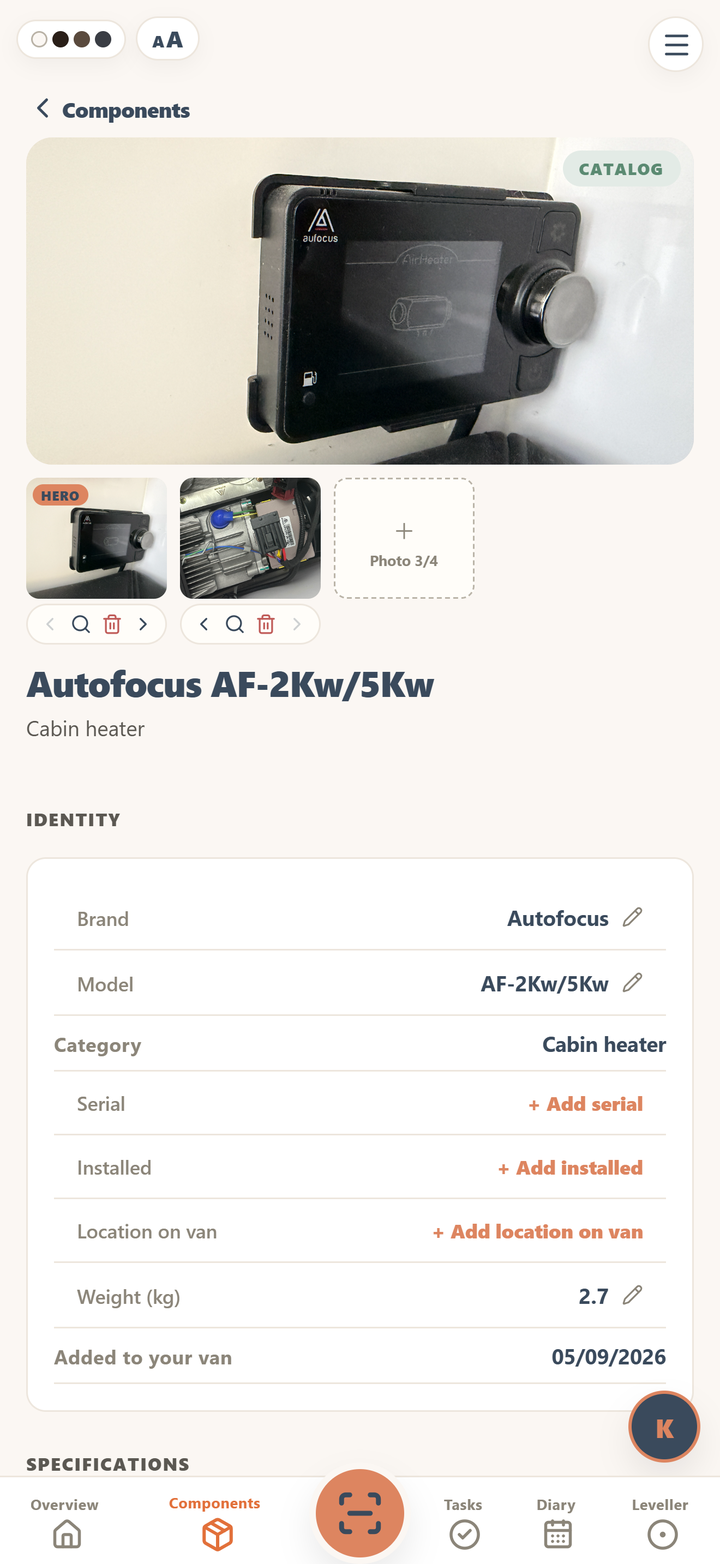
Every bit of gear in the van has a nameplate. Snap it and Kept reads the make and model, finds the manual online, and keeps it for when you're out of signal.
How to do it
- 1Open My Rig and tap + Component.
- 2Point the camera at the nameplate.
- 3Check the details and tap Save. The manual turns up on its own.
Questions
What if the nameplate is worn?
Type the brand and model instead. Kept still goes looking for the manual.
Does it work without signal?
Scanning needs signal, but once a manual is found it's kept on your phone for when you're out bush.
Which brands does it know?
Dometic, Truma, Suburban, Thetford, Enerdrive, Redarc, Victron, Fiamma, Carefree and hundreds more.
Try it free
Join the free beta: 14 days free. iPhone, iPad, Android or computer.
Get KeptKeep going
An AI caravan assistant that reads your own manualsIt reads your own manuals and bookings for real answersCaravan weights explained: ATM, GTM, ball weight, GVM and GCMKept adds up your load from your gear and checks your platesTrack caravan trip costs by scanning receiptsSnap receipts and the trip costs add themselves up