Turn your caravan trip photos into a story
Add a photo and a line about it, and Kept stamps the date, place and weather and files it under the right stop. Play story shows the whole trip full-screen, with a Spotify soundtrack if you like.
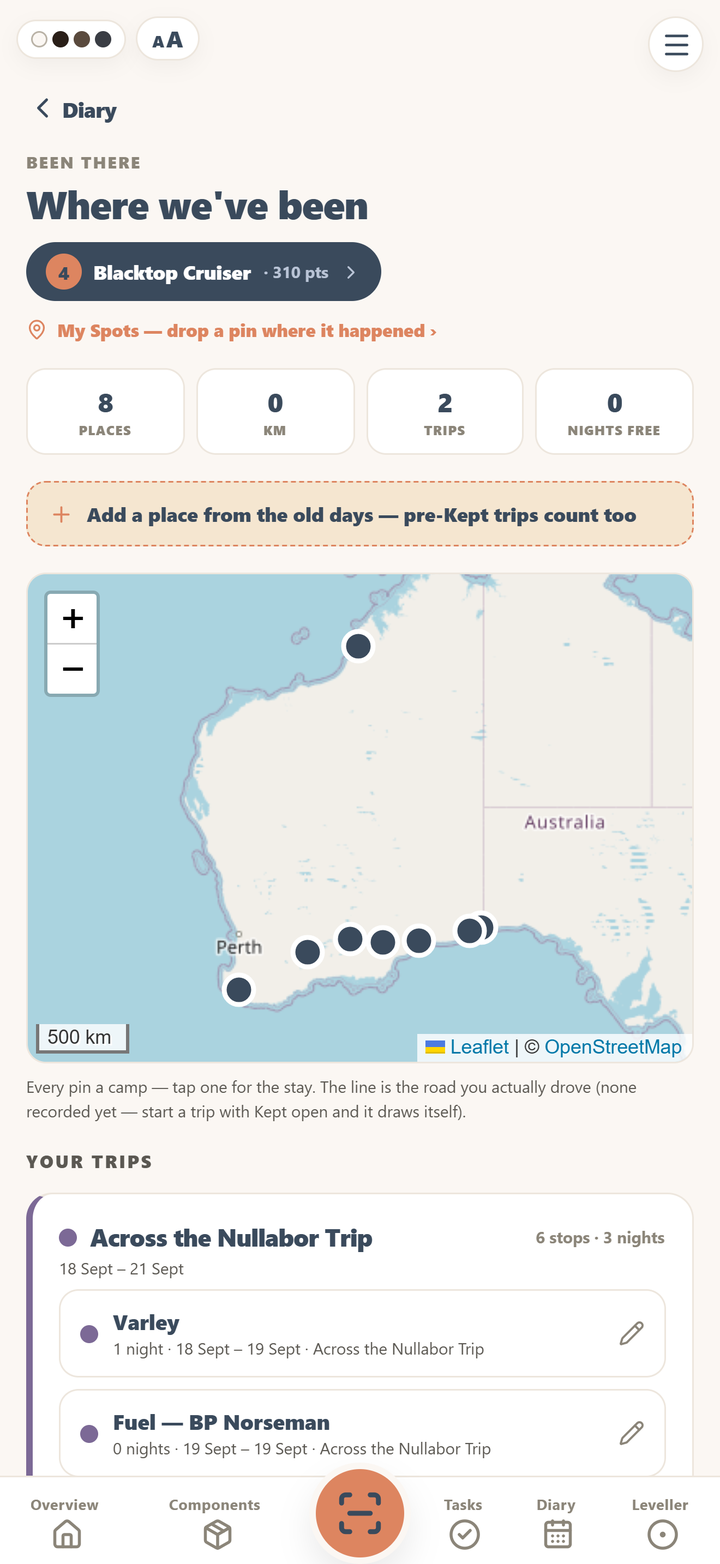
How to do it
- 1Open a trip and scroll to Memories. Tap + Memory.
- 2Pick photos and add a title and a line of story. Tap Edit all photos to title them all in one go.
- 3Tap Play story, and add a Spotify soundtrack.
Questions
Do my photos fill up Kept?
Full-size photos stay in your iPhone Photos (a Kept album). Kept keeps a small preview so family can see them.
Can I change titles later?
Yes. Use Edit all photos on the trip.
Try it free
Join the free beta: 14 days free. iPhone, iPad, Android or computer.
Get KeptKeep going
Make a caravan trip video with your route and photosThree looks, real roads, ready for Instagram and FacebookTides, bite times and a catch log for caravanners who fishTides, bite times, the rules, and a Brag book for every catchShare a caravan trip with friends and plan it togetherThey get 14 days of Kept free, and you get 14 more