Make a caravan trip video with your route and photos
Kept turns a trip into a short video: your ute, in your colour, drives the real roads stop to stop, the camera zooms in as you arrive, and your photos pop up. Pick Road trip, Postcards or Highlights.
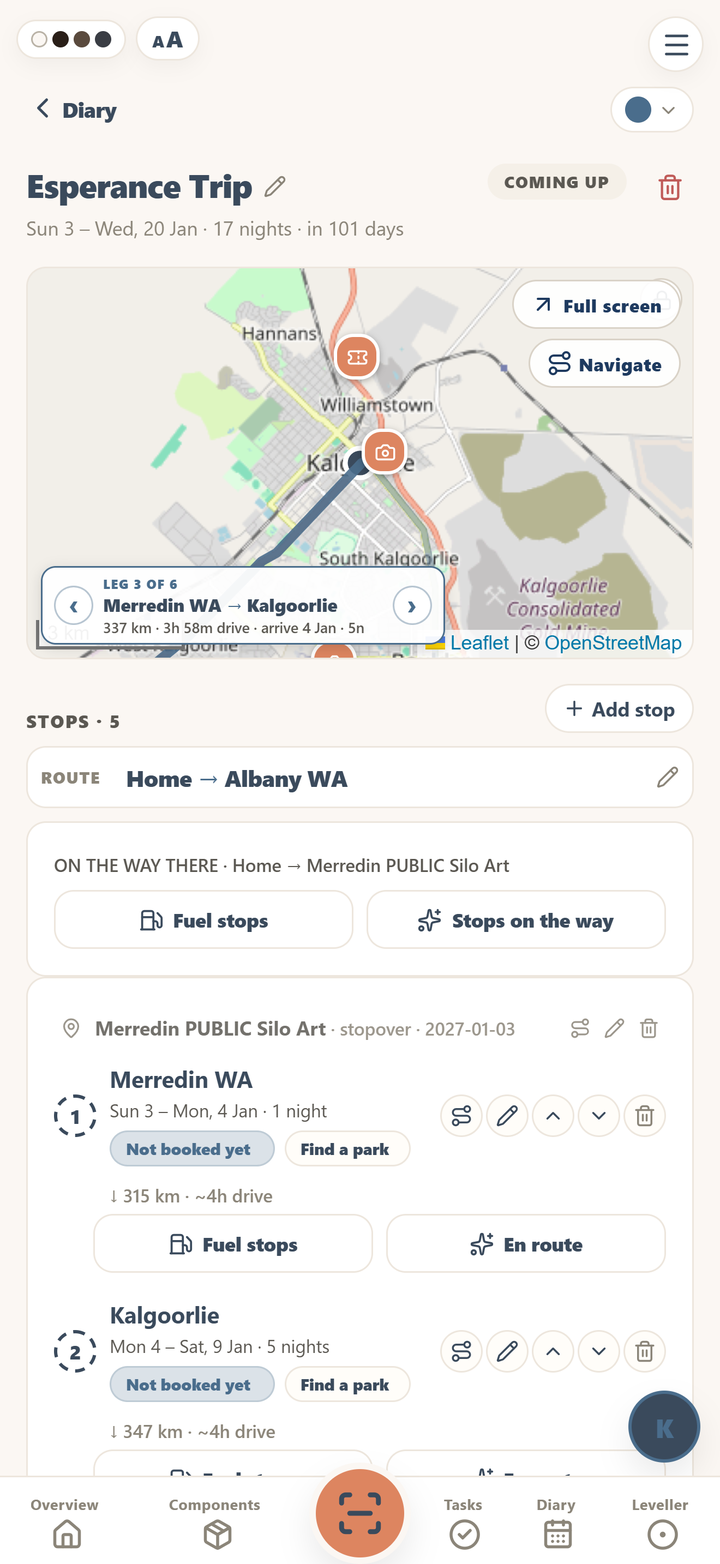
How to do it
- 1Open a trip with a few memories and tap Trip video.
- 2Choose a look, your vehicle and colour, and where it's going (Instagram story, Facebook post or plain video).
- 3Check the captions, tap Make my video, then share or save it.
Questions
Can I add music?
Add a song when you post. Instagram, Facebook and TikTok all let you pick music as you share.
What sizes does it make?
Instagram or Facebook story (tall), Facebook post (square-ish), or widescreen video.
Try it free
Join the free beta: 14 days free. iPhone, iPad, Android or computer.
Get KeptKeep going
Turn your caravan trip photos into a storyPhotos and a line or two, filed under the right stop, with your own soundtrackShare a caravan trip with friends and plan it togetherThey get 14 days of Kept free, and you get 14 morePlan a caravan trip with fuel stops that match your tankStops, real roads, and fuel stops that match your tank